Photo & Selfie Editor
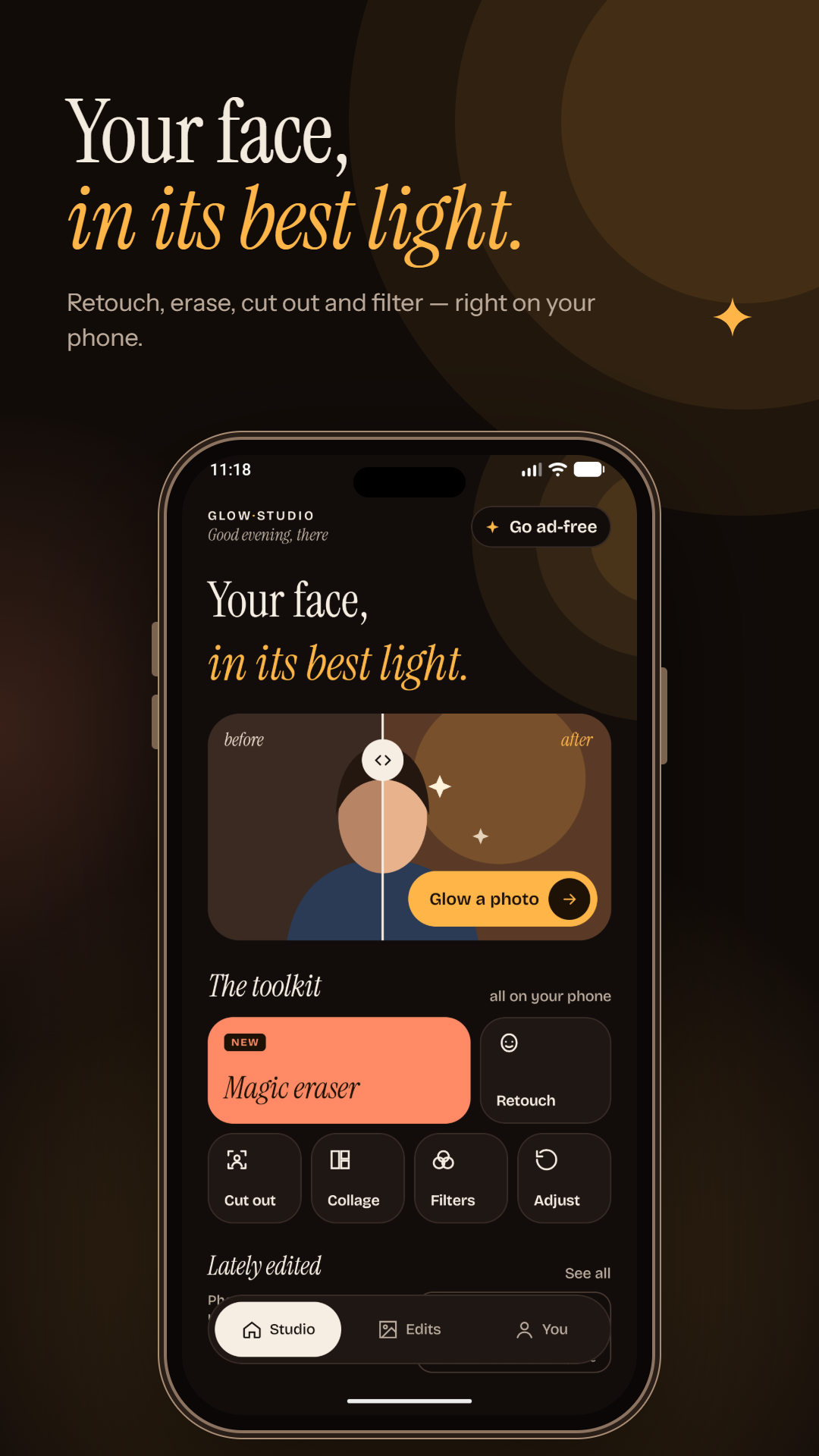
Your face, in its best light.
Retouch, erase, cut out and filter — right on your phone. Glow Studio makes every photo look its best in one tap, with no account and no uploads.
Face Retouch
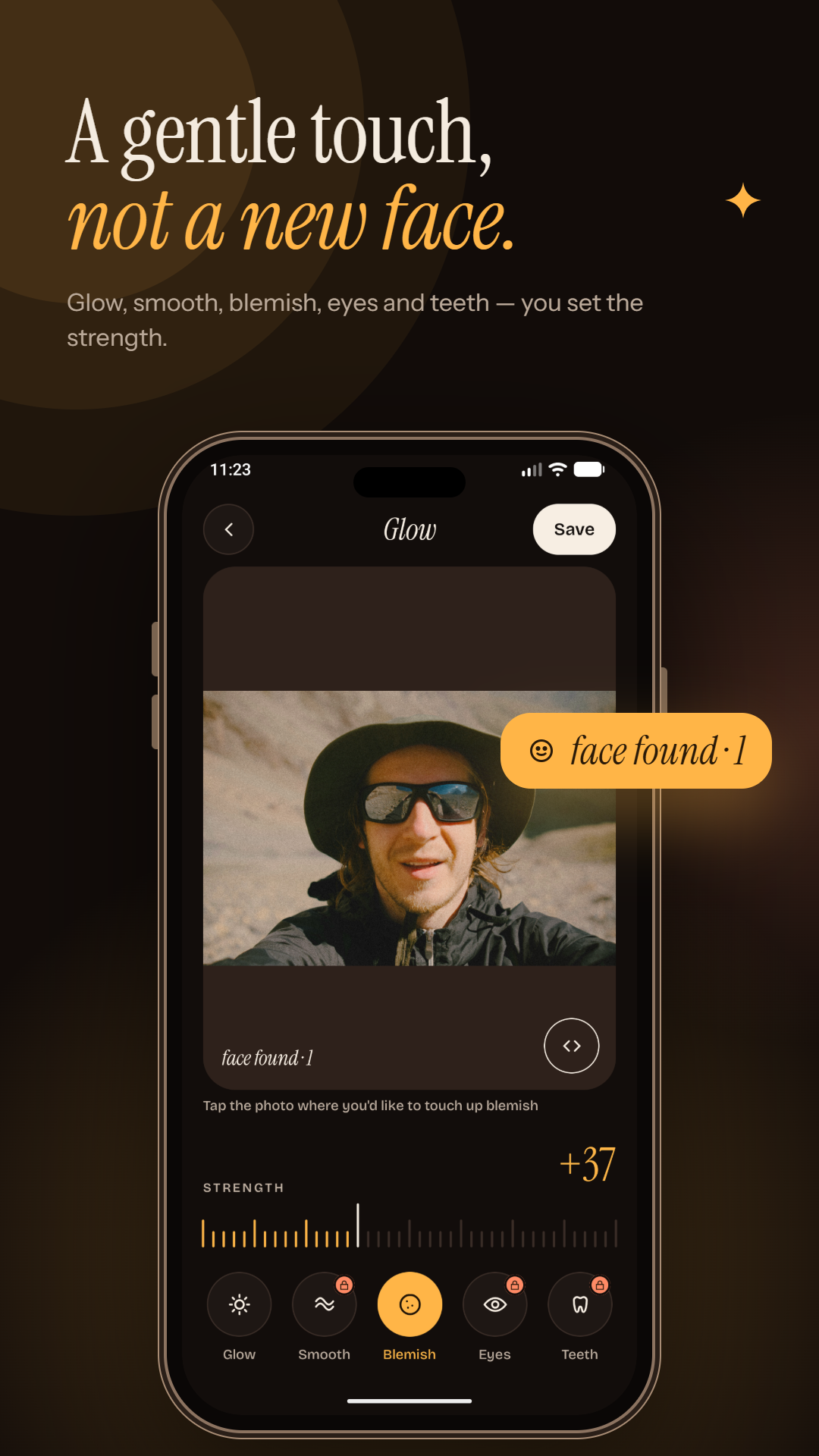
A gentle touch, not a new face.
One-tap glow adds soft, flattering light while keeping your natural skin tone — drag the strength dial from subtle to radiant, then press and hold to compare with the original.
- Smooth skin while keeping eyes, lips and hair sharp
- Remove blemishes and spots with a tap
- Brighten under-eye dark circles and whiten teeth naturally
- Automatic face detection for quick, precise edits
Magic Eraser
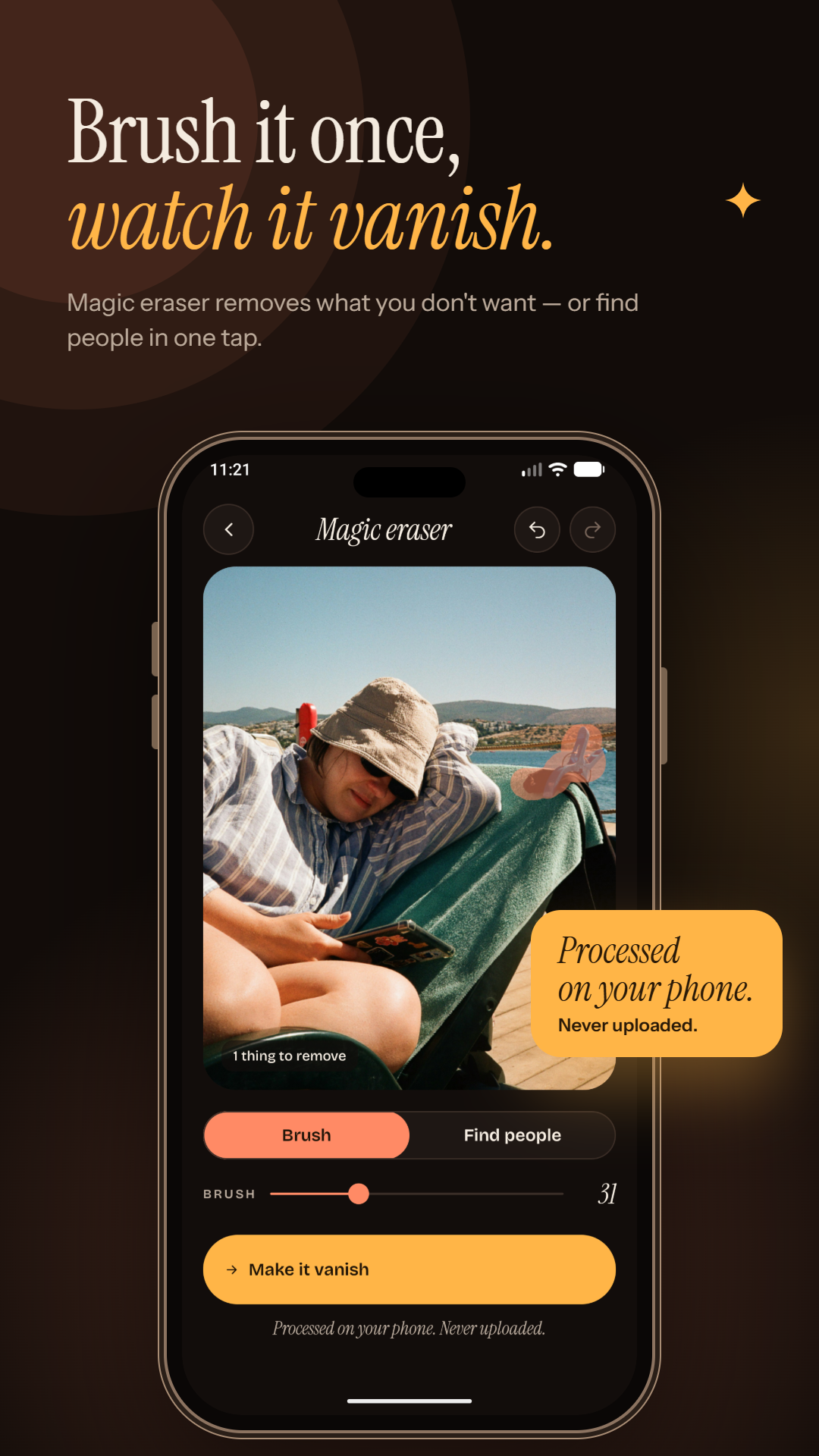
Brush it once, watch it vanish.
Brush over photobombers, wires, text or anything you don't want, and the background fills in to match the scene. Use "Find people" to select strangers automatically.
Background Remover
Lift the subject, lose the rest.
Cut out yourself or any subject in one tap, then swap in a new color or gradient, blur for a portrait-mode look, or export a transparent PNG for stickers and designs.
- Save as a transparent PNG for stickers and designs
- Blur the background for a portrait-mode look
- Make passport and ID photos with a white background
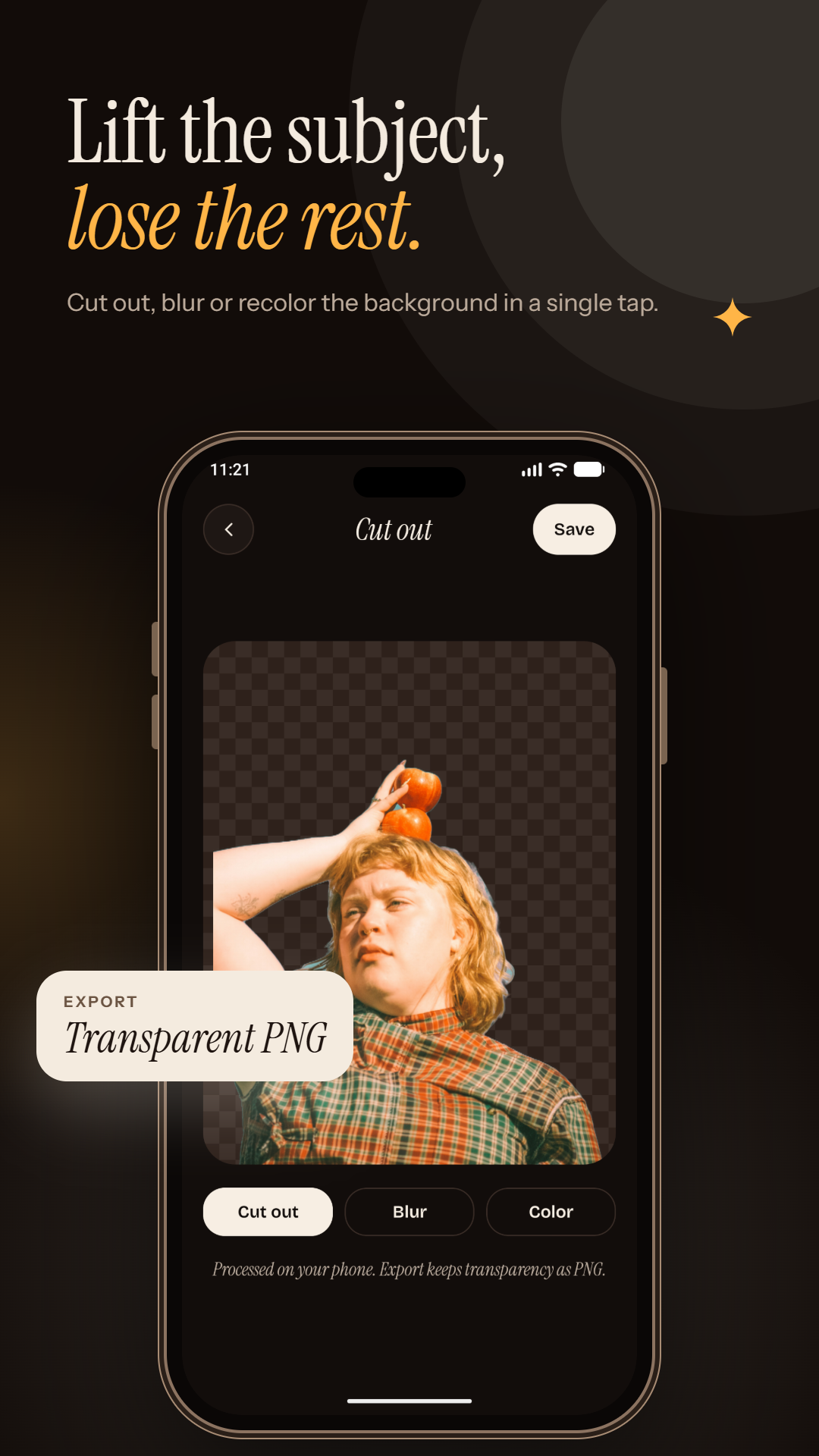
Photo Filters
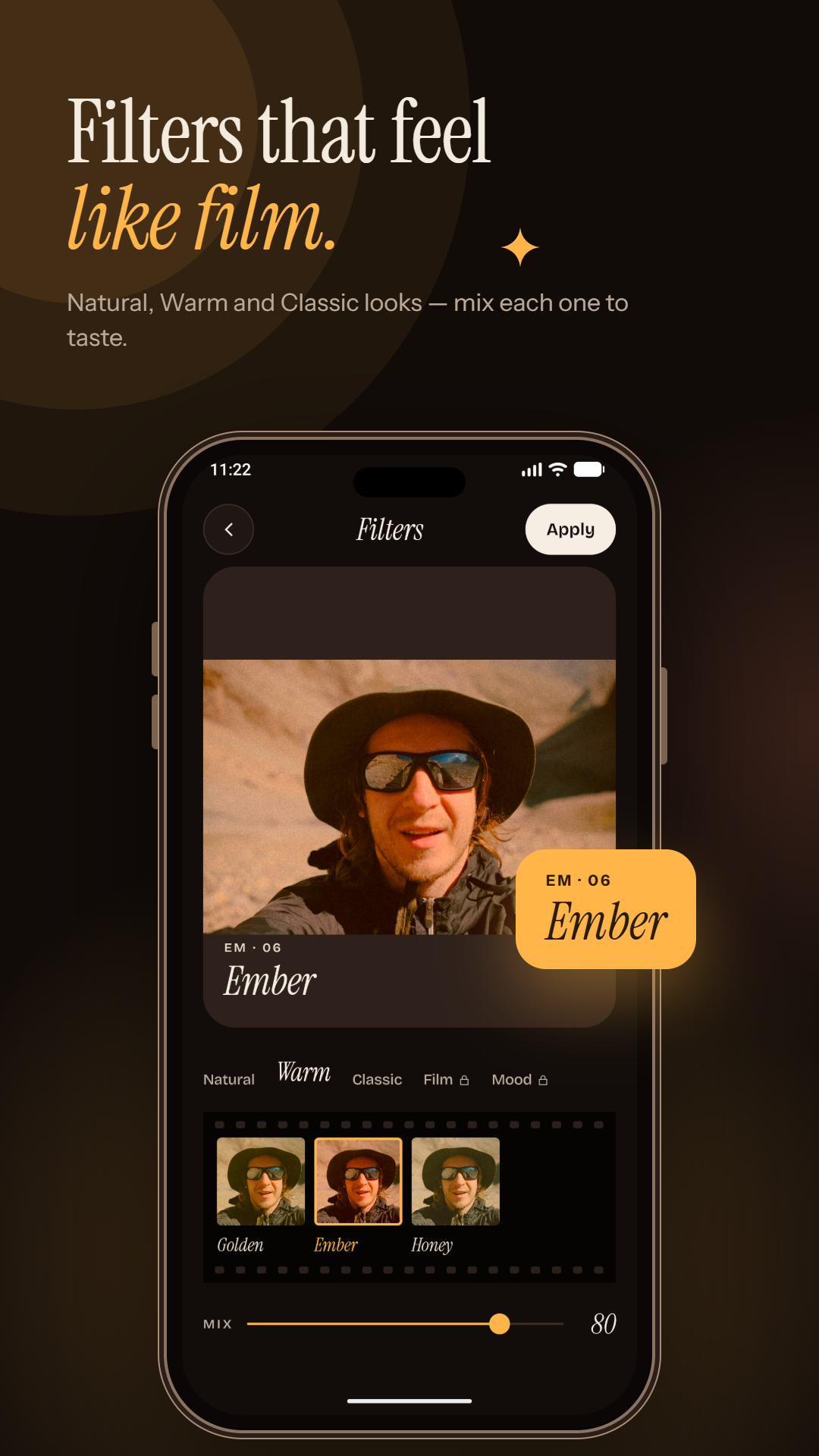
Filters that feel like film.
15 hand-tuned filters across Natural, Warm, Classic, Film and Mood packs — every filter has a Mix slider so you control the strength, from a hint of color to a full retro look.
Collage Maker
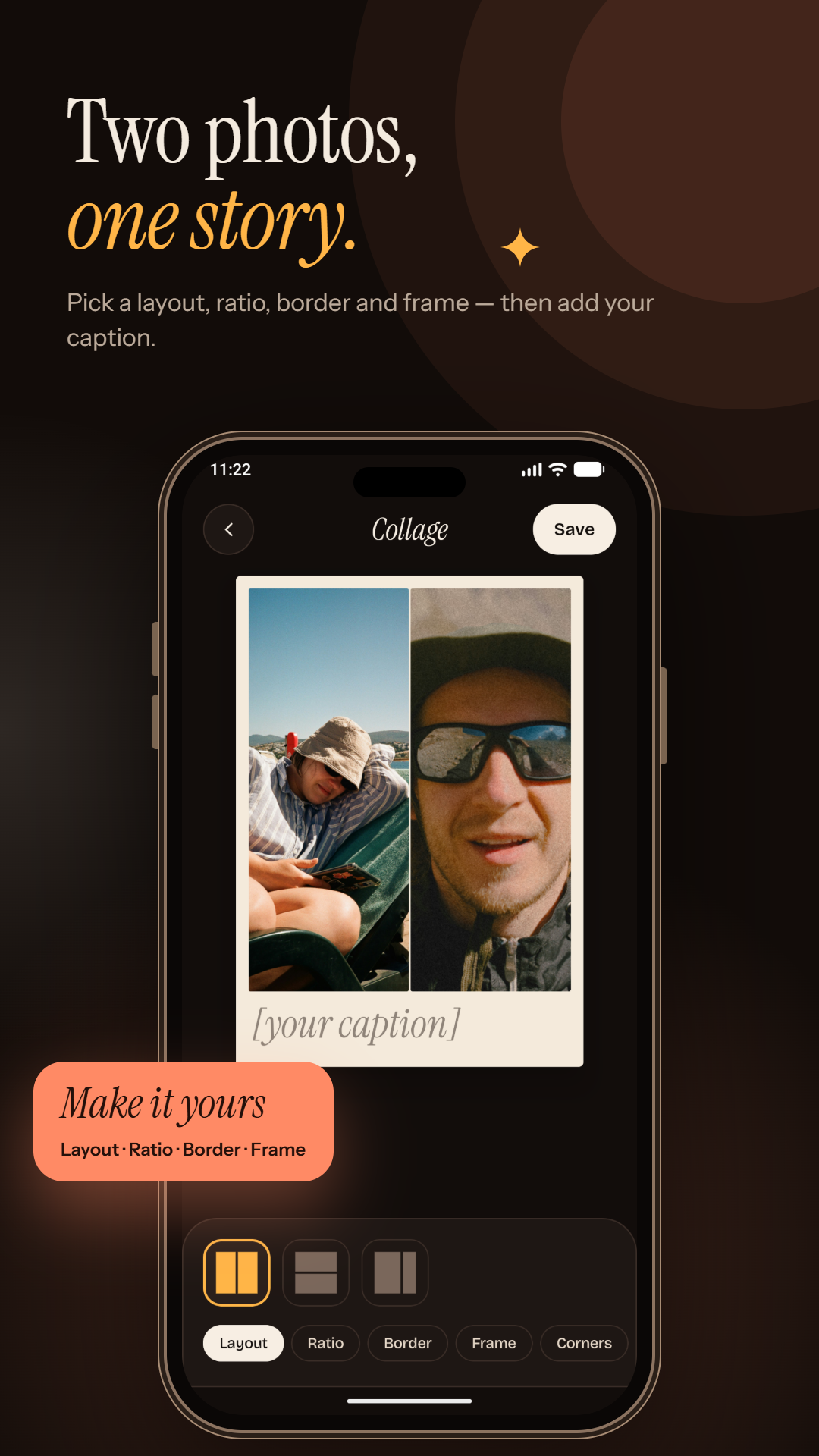
Two photos, one story.
Combine 2 to 6 photos in stylish grid layouts. Adjust the ratio, borders, corners and spacing, then add a caption — sized perfectly for Instagram posts, Stories and WhatsApp.
The Toolkit
All the essential editing tools
Everything you need for a finished photo, all in one app, with no watermark on export.
Crop & straighten
Presets for 1:1, 4:5, 9:16 and 16:9, plus rotate, flip and straighten.
Adjust
Brightness, contrast, saturation, warmth, highlights and shadows.
Sharpen & enhance
Sharpen, vignette and one-tap auto-enhance.
Text & stickers
Stylish fonts, stickers and frames to finish the look.
Unlimited undo
Undo and redo as much as you like while you edit.
Save & share
Export in full quality, no watermark, straight to Instagram, WhatsApp, Facebook or TikTok.
Private by Design
Edited on your phone. Never uploaded.
Glow Studio edits every photo on your device — no account, no uploads, no cloud storage of your photos. Open any photo from your gallery with "Edit with Glow Studio," or use the camera, and your images never leave your phone.
Glow up your selfies today.
Free to use with ads. Some pro tools unlock after a short video. No account needed.